PRACTICAL HOME MINING GUIDE
Home Miner Noise, Heat and Ventilation
Updated
Conceptual airflow sequence. Preserve the manufacturer’s clearances; this does not specify a duct or fan modification.
Quick answer
Choose a miner that fits the room as well as your budget. Assess noise evidence, airflow and total heat before buying. A quieter fan or enclosed cabinet is not automatically a suitable cooling solution.
Start with where you will use it
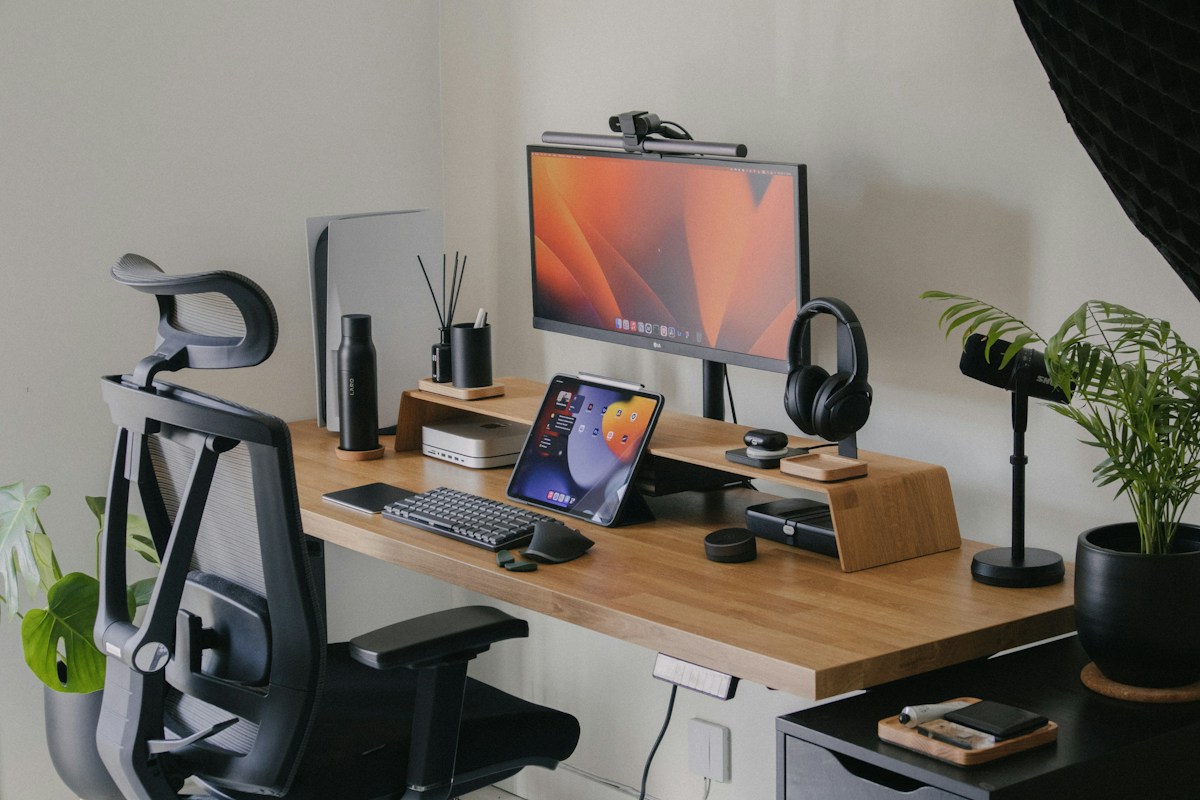
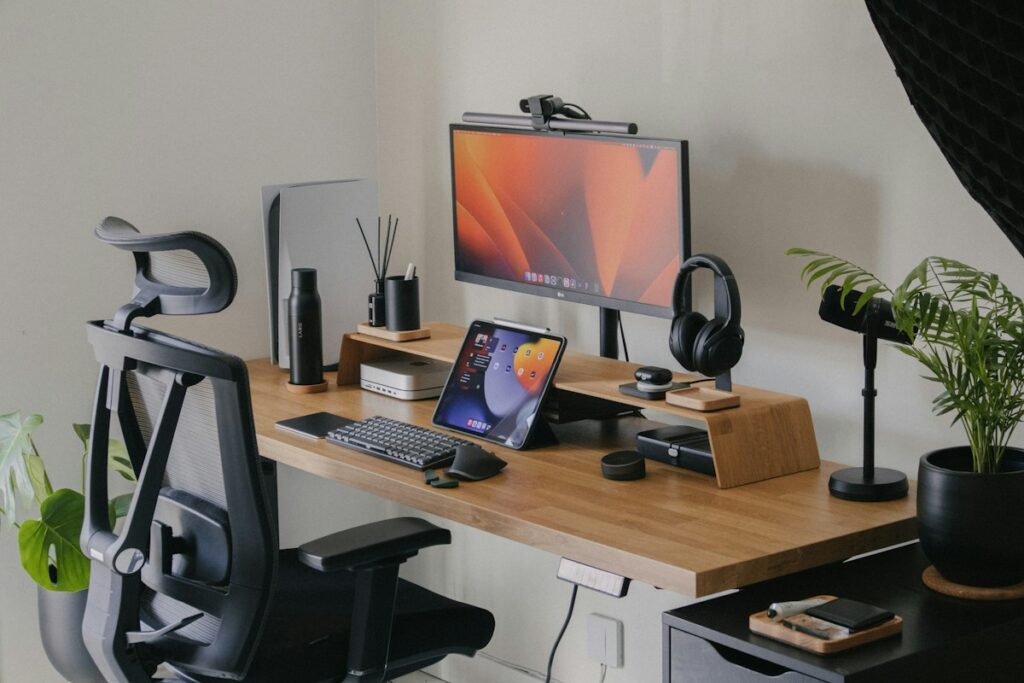
An office shared with a computer, a bedroom and a separate utility space have different needs. Consider working hours, calls, sleep, other occupants and the warmest period of the year. A noise level acceptable for a short demonstration may be distracting over a full day.
Measure the space and identify the miner’s intake and exhaust. Follow the exact model’s clearance and ambient-temperature guidance; do not invent a universal spacing rule.
Garage, basement, utility room or home office?
Moving a miner away from everyday living space can make its noise easier to live with. But a separate room still needs a workable heat-removal path and conditions within the exact miner’s operating limits. Choose the space by its conditions, not its name.
A simple room check
- Check temperature and humidity against the miner’s manual.
- Identify a clear intake and a route for warm air to leave.
- Assess noise in the room and adjoining occupied spaces.
- Check the complete electrical setup and access for inspection.
A garage or basement is an option, not an automatic recommendation. Manufacturer environmental limits still apply in every room.
How to read a noise figure
| Evidence | Useful information | Limitation |
|---|---|---|
| Manufacturer specification | Model and stated noise value | Distance and method may be missing |
| Independent measurement | Distance, background, weighting and operating mode | One setup may not represent your room |
| Owner observations | Fan tone, vibration and recurring issues | Subjective reports are not comparable laboratory readings |
Preserve the unit reported by the source. Do not relabel dB as dB(A) without confirmation. Do not average figures measured at different distances or in incompatible modes.
Ask whether the sound is steady airflow, a high-pitched fan tone, vibration or occasional ramping. A phone recording can demonstrate character, but cannot reliably reproduce the level a listener will hear at home.
Heat follows electrical consumption
The same power draw affects both room heat and the bill. Estimate the bill with the electricity cost calculator.
For ordinary room planning, essentially all electrical power consumed by the miner becomes heat locally. A continuously running 300 W setup adds approximately 300 W of heat, including its PSU if it is in the room. That is a heat rate; kWh describes energy accumulated over time.
This does not predict a particular room-temperature rise. Ventilation, insulation, outside weather, sunlight and other equipment determine how much warmth builds up. Several modest devices can create a significant combined load.
Keep intake air separate from exhaust
Conceptual airflow, not a model-specific installation plan. Check the actual intake and exhaust direction and manufacturer clearances. Keep exhaust from returning straight to the intake.
Room fan
Moves existing air. It does not remove the miner’s heat from a closed room.
Ventilation
Exchanges room air. Cooling depends on outdoor conditions and sufficient airflow.
Air conditioning
Transfers heat outdoors. Include its extra electricity in the running budget.
Illustrations explain the principle; they do not imply that every home miner needs air conditioning.
Arrange equipment so warm exhaust does not immediately feed back into an intake. Keep manufacturer ventilation openings unobstructed. Shelves and cables should not interfere with fans or cleaning access.
A desk fan circulating room air does not by itself remove heat from the room. Plan how fresh air enters and how warm air leaves, while considering weather, security and your property’s restrictions.
Be careful with acoustic enclosures and modifications
A cabinet can trap heat even when it muffles sound. Added ducting, replacement fans and filters can change airflow resistance and cooling behaviour. Treat them as engineering changes to validate, rather than automatically safe upgrades.
Follow manufacturer guidance and warranty terms. A quieter-looking fan with an unsuitable pressure or airflow profile may not cool the miner adequately. Watch the device’s temperatures and stability when making permitted changes.
A practical home-use check
Before placing a miner in a garage, basement or side room, review sockets, leads and continuous operation. The MINI DOGE III PLUS assessment distinguishes sourced noise and power figures from owner measurements.
Before purchase, record the operating mode, noise source, watts, dimensions, intake direction and allowed ambient conditions. After setup, observe the room over a representative working period, including warmer conditions where practical.
Check for unusual vibration, fan behaviour, heat buildup and interruptions to your ordinary use of the room. Document what you actually observed separately from manufacturer claims. If you measure noise, record the distance, instrument and background conditions.
Frequently asked questions
Can I put a miner in a closed cupboard?
Only if the complete setup maintains suitable ventilation and the manufacturer’s operating conditions. A closed space is not automatically a suitable noise solution.
Does low-power mode mean silent?
No. Lower power may reduce cooling demand, but fan behaviour depends on hardware, firmware and conditions. Confirm evidence for that mode.
Can owner feedback help?
Yes. Multiple reports can identify recurring concerns. Preserve their context and avoid converting descriptions into invented measurements.
Sources and further reading
EPA: household moisture and condensation · Goldshell: operating temperatures and cooling environment
US Department of Energy: fans, ventilation and air conditioning
Research-based guide. No laboratory or noise measurements are claimed. Checked 4 October 2026.